
Licensing
NOTE
This section applies only to the Pro version of the application.
WireSock Secure Connect Pro requires a license that you receive upon purchase. You can view and download your licenses in your account dashboard: https://wiresock.net/account/
If you are deploying WireSock Secure Connect Pro within an organization, see the Deployment Guide. If you need to protect profiles at rest, see Security settings.
The application will prompt you to install your license after setup. This license is provided at the time of purchase.
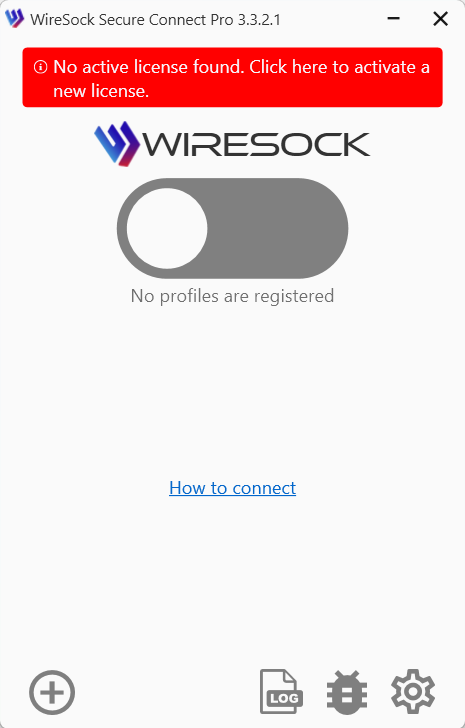
Click the license banner in the main window to open the License Management page and add your license to the application.
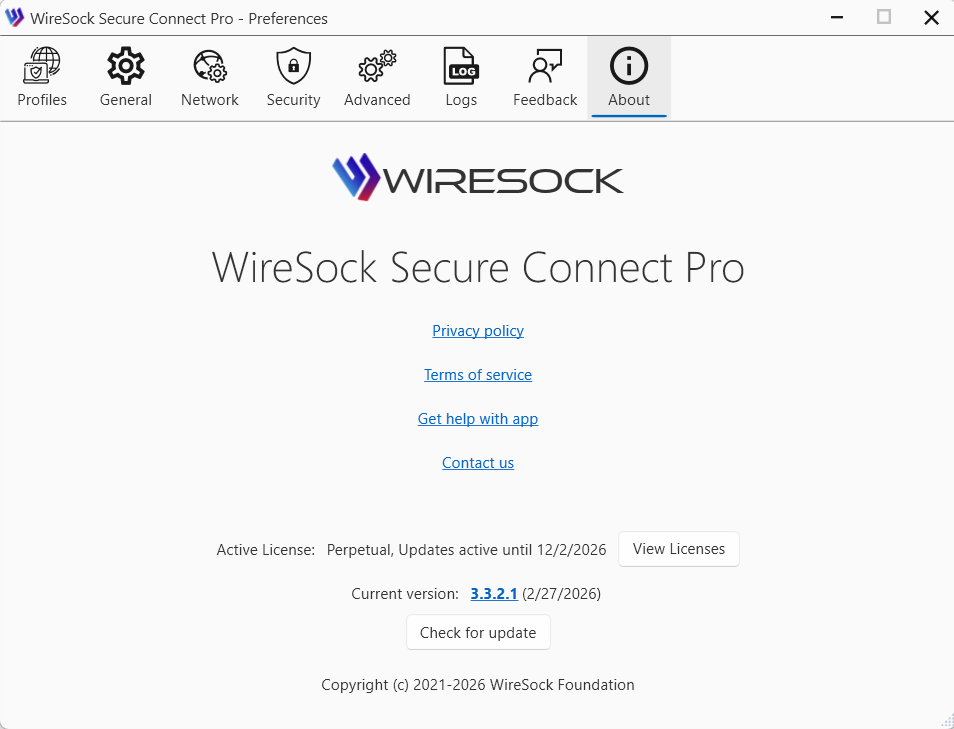
You can also access this page from the About page.
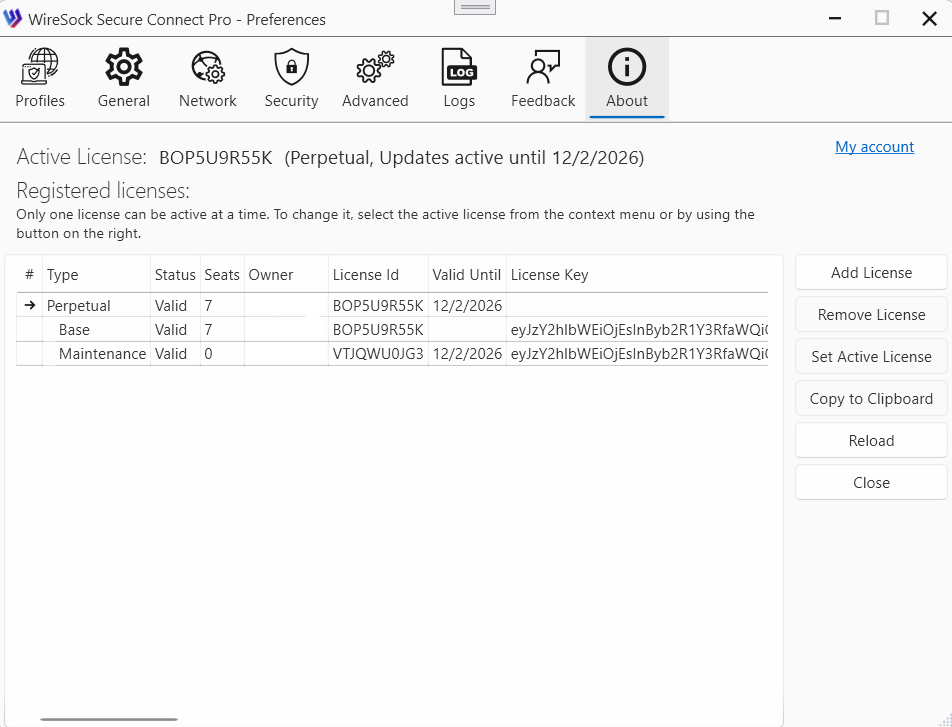
The License Management page lists all licenses installed in the application. It shows the active license and provides license management options.
NOTE
Only one basic license (+overlays) can be active at a time.
You can add a license, remove a license, or set a license as active.