
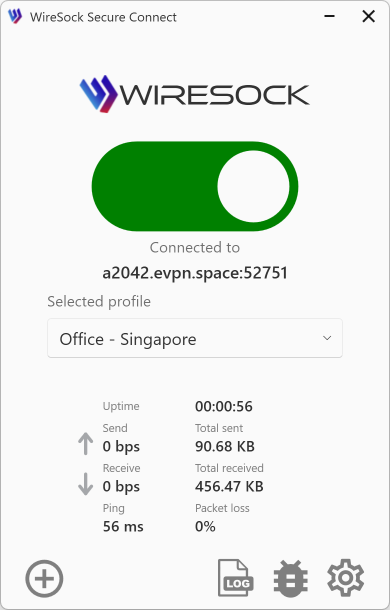
Application Initialization Issues
If you encounter a problem where WireSock Secure Connect gets stuck during launch—showing a continuous initialization process and nothing else—it usually indicates an issue with the background services, a corrupted configuration, or problematic connection profiles.
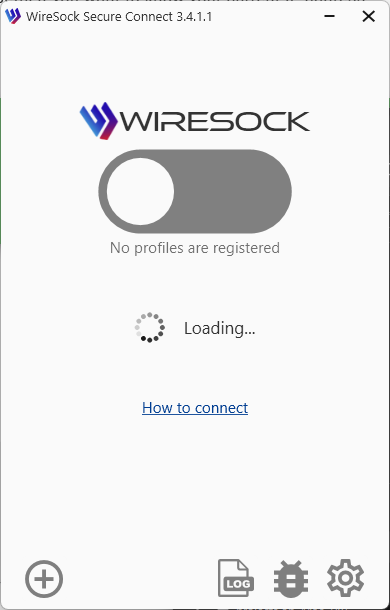
To resolve this issue, you can try the following methods. We recommend starting with Method 1.
Method 1: Check Windows Services
First, ensure that the background services required for WireSock are running:
Press
Win + R, typeservices.msc, and press Enter.Locate the services related to WireSock (look for any services that have "WireSock" in their name).
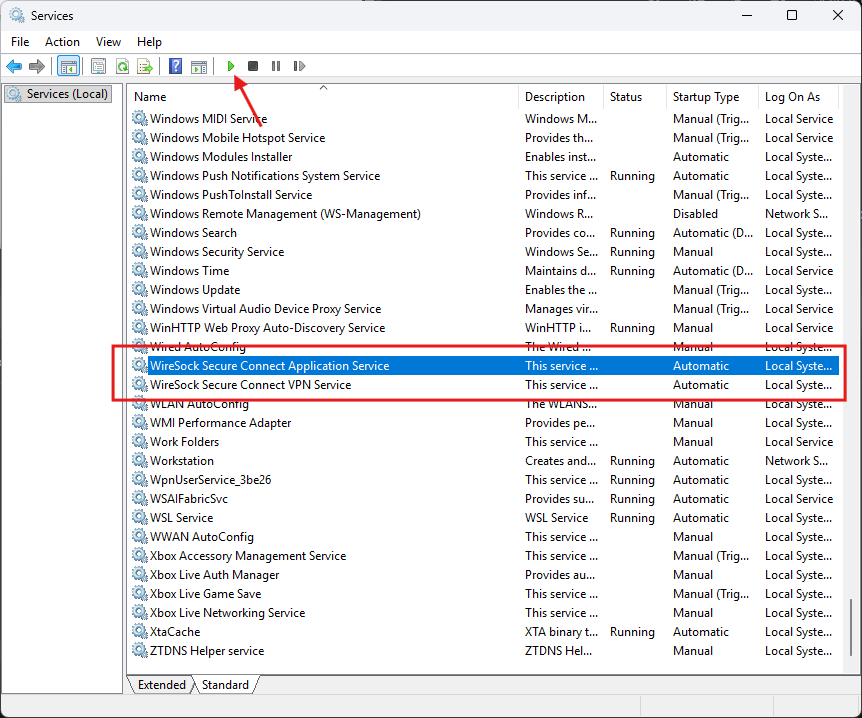
For each WireSock service, if its status is not Running, right-click on it and select Start. Verify that their status successfully updates to Running, as shown in the picture below.

After starting the services, WireSock Secure Connect should automatically complete its initialization. If it doesn't, try restarting the application.
Method 2: Reset Configuration and Profiles
If the services are already running or starting them didn't help, you might need to clear your application configuration and profiles.
- Reset application configuration: Try deleting the application configuration file located at:
C:\ProgramData\WireSock Foundation\WireSock Secure Connect\wiresock.config
Often, this is enough to resolve the startup issue. Launch the application again to check if it's fixed. - Backup and delete connection profiles: If deleting the configuration alone does not help, navigate to the application's profiles directory at:
C:\ProgramData\WireSock Foundation\WireSock Secure Connect\Profiles
Crucially, copy your existing profiles to a safe location first as a backup. Once safely backed up, delete the profiles from the application directory. - Restart the application: Launch WireSock Secure Connect again to see if the issue is resolved.
If the problem persists, please check the Comprehensive Logging and Analysis section to gather more details for troubleshooting.
Support and Assistance
If you encounter issues or have questions, our support team is here to help. Visit our FAQs for quick answers or use the to connect with other users and receive personalized assistance. We're committed to ensuring you have the best experience with WireSock Secure Connect.